Docs › Getting started
Create your account
Sign up with email, Google, a passkey or a crypto wallet you already own, and see what happens right after.
Signing up and logging in use the same screen. Go to Sign up or Log in, or tap Log in anywhere in the app, and pick one of four ways in.
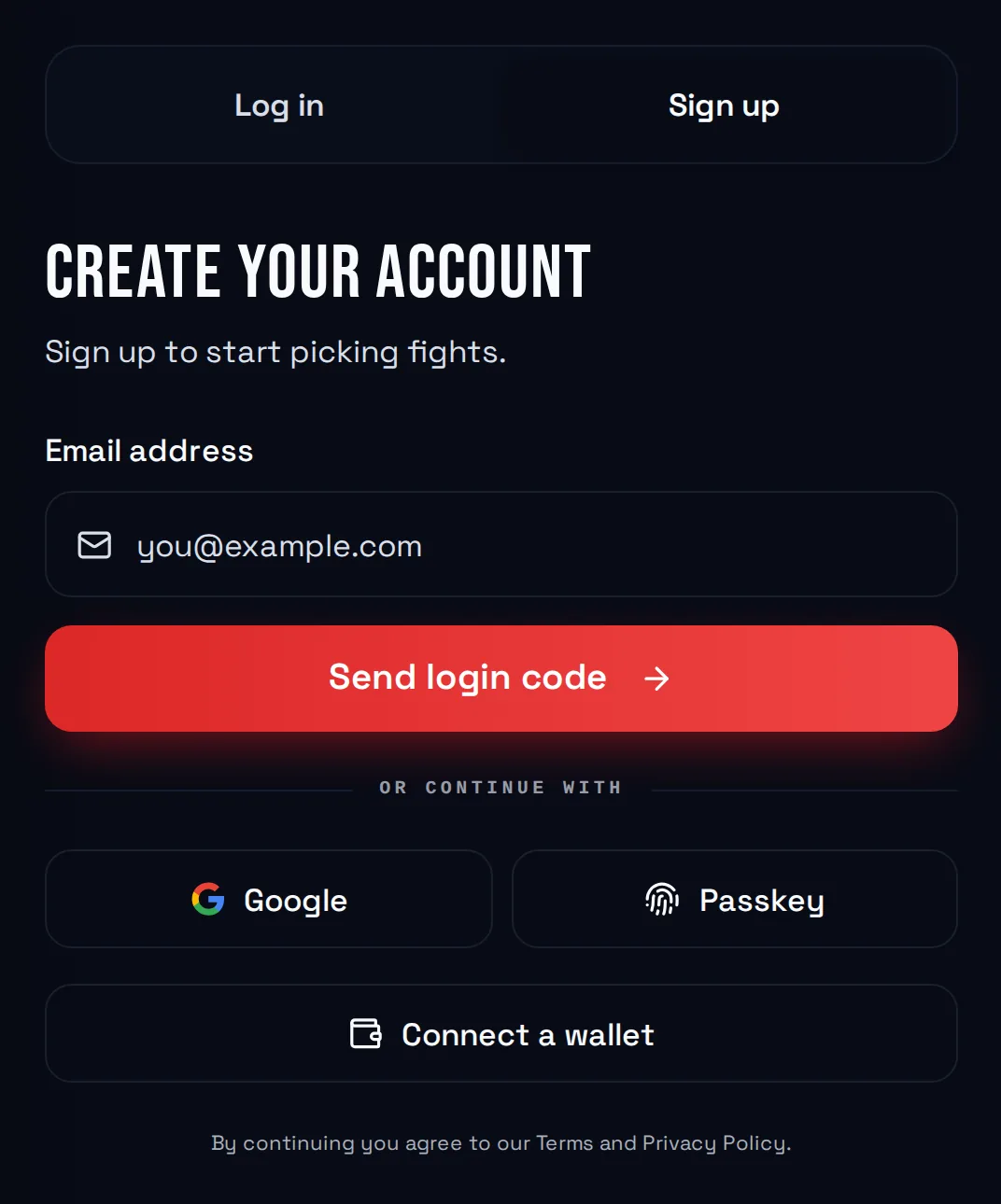
Pick how you sign in
| Method | Best for |
|---|---|
| Anyone. No password to remember. | |
| One tap if you already use a Google account. | |
| Passkey | Face ID, fingerprint, or your device PIN. |
| Connect a wallet | People who already own a crypto wallet. |
With email, Google, or a passkey, FightBets sets up a wallet for you automatically. You don't need to know anything about crypto.
Sign up with email
- Type your email address and tap Send login code.
- Open your inbox and find the code.
- Type the code and tap Verify and sign in.
Tip: No code? Check your spam folder, then tap Resend code. Typed the wrong address? Tap Use a different email.
If the code doesn't work, the screen tells you and offers Send a new code.
Sign up with Google
Tap Google. You're sent to Google to pick your account, then brought back to FightBets, signed in.
Sign up with a passkey
Tap Passkey and confirm with your face, fingerprint, or device PIN. If you don't have a FightBets passkey yet, your device offers to create one.
Connect a wallet you already own
Tap Connect a wallet and choose yours: MetaMask, Trust Wallet, Ledger, Binance Wallet, Rabby, or any app that supports WalletConnect.
Note: Always log in the same way you signed up. Each method opens its own wallet, so a different method means a different account.
What happens right after
- You get a username. FightBets picks a random one for you. You can change it any time.
- You get a welcome email if your account has an email address.
- You land on the welcome page. It lists a few quick actions that each earn $1 in promotional credit. It's optional. Tap Do this later to skip straight to the fights. See Welcome rewards.
Signing up is free. You only need money in your wallet when you place your first bet.
By continuing, you agree to the Terms and Privacy Policy.
Next
Your account is ready. Now place your first bet.